
Go back to the main page
Go back to the Excel overview page
Excel Data Cleaning
Solutions
Exercise 1
Use the text to column feature. Separator is the dollar symbol $.
Then, create a data table with the first row as headers.
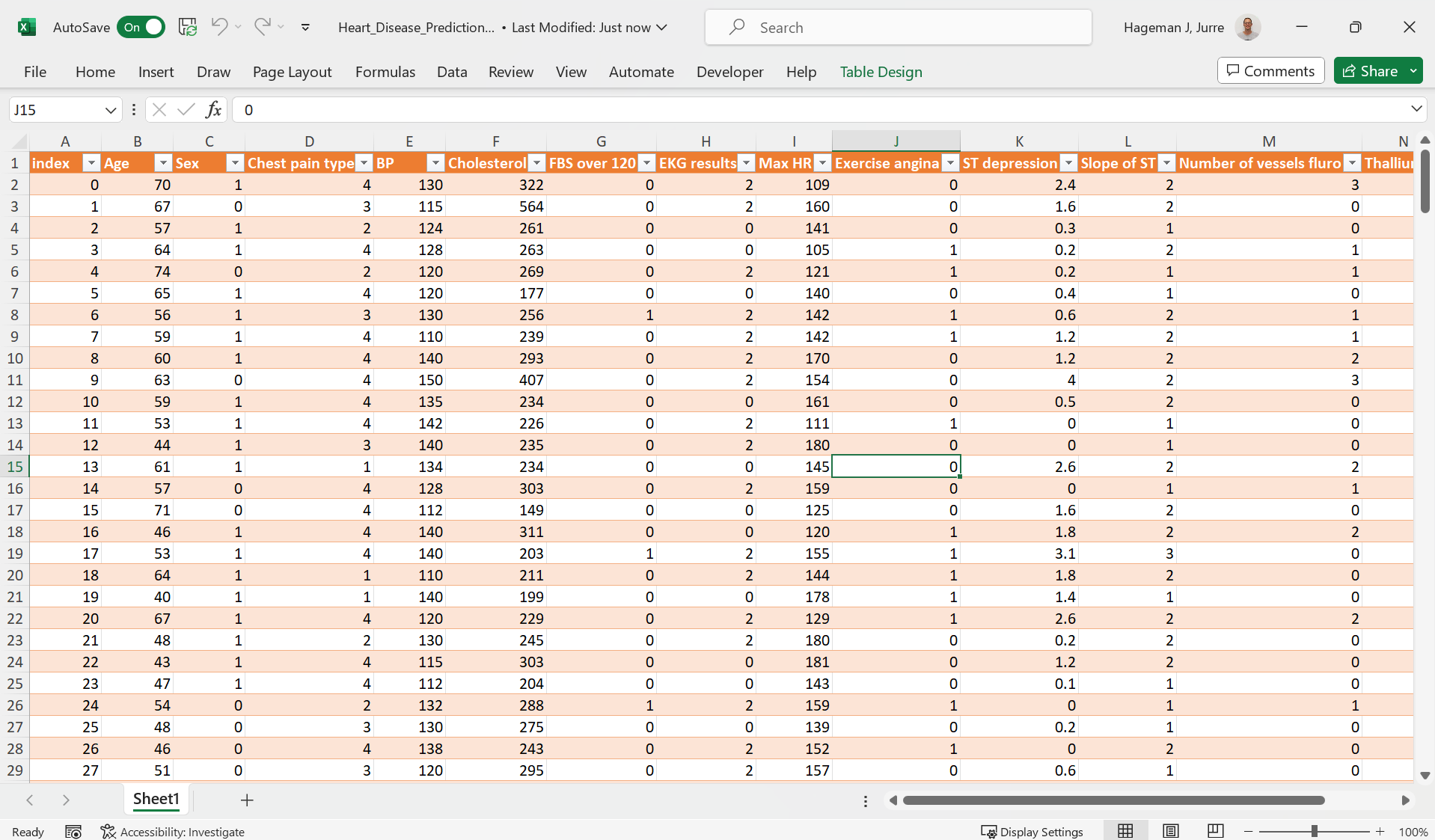
The solution can be found here.
Exercise 2
Use the following steps to clean the data:
- First, load the data as previously mentioned using the
text-to-columnfeature. Delimiter is a pipe symbol|. - Remove the header row.
- Split the last two columns using the
text-to-columnfeature with a space as deliminator. - Remove the columns containing the units.
- Split the columns that contains the
gfrom grams using thetext-to-columnfeature with agas deliminator. - Add the column headers again.
- Format as data table
See example below:
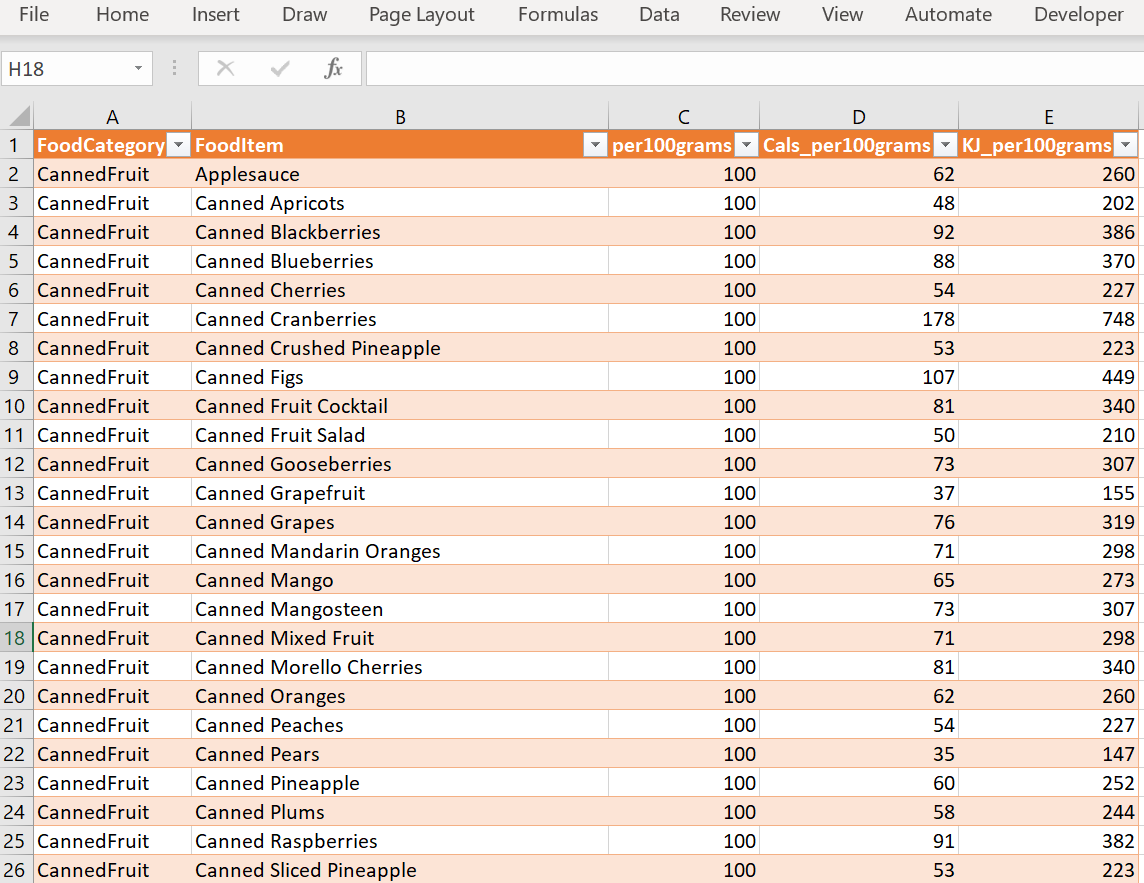
The solution can be found here
Note that alternative approaches are possible. For example
=LEFT(C1,LEN(C1)-1)will strip the g from the numbers. Use whatever gets the job done!
Exercise 3
Indeed the dataset contains duplicate rows. Use the button on the data tab of the ribbon to remove the duplicate rows:
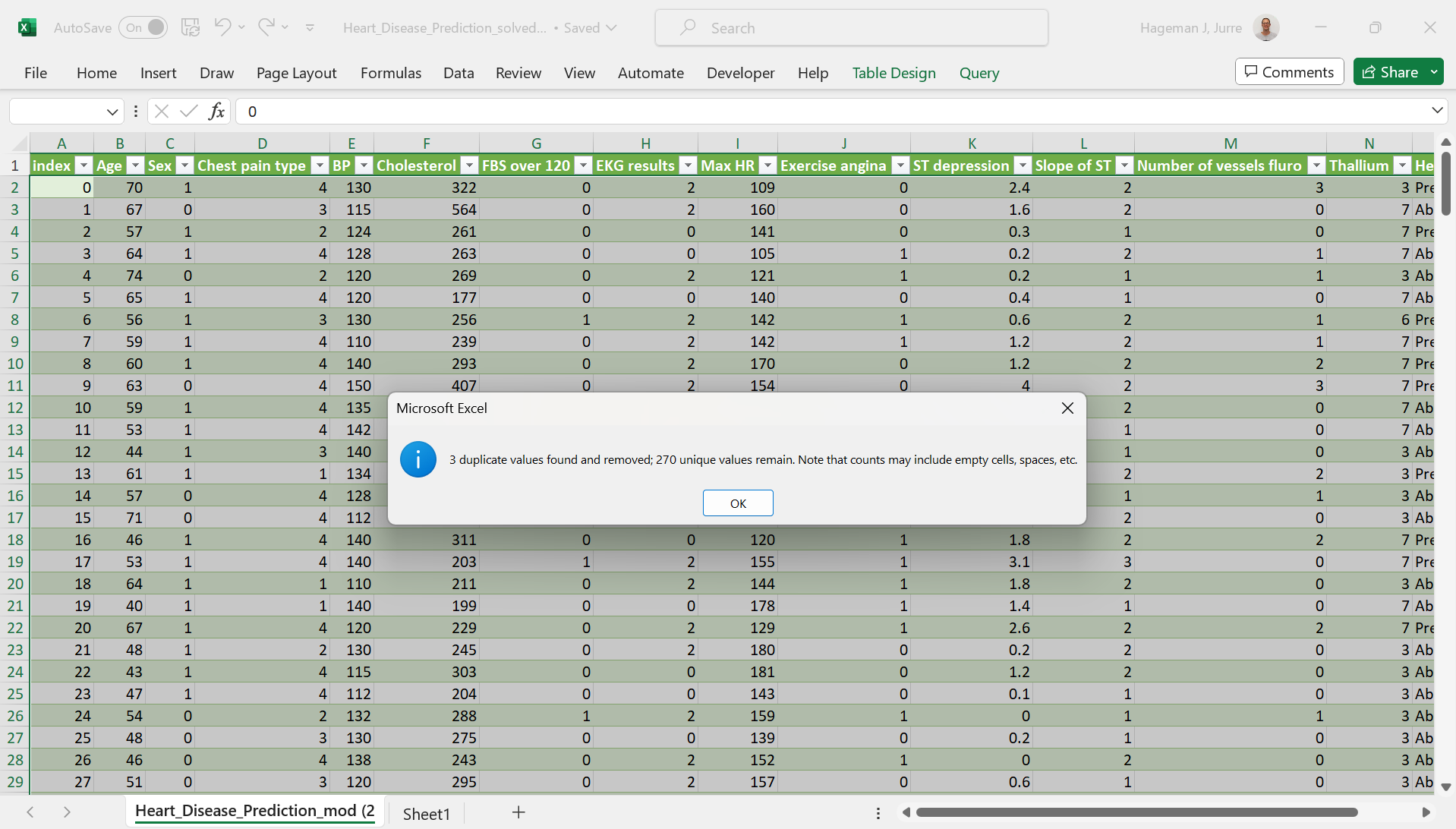
The solution can be found here.
Exercise 4
You can find the solution here
| Condition | Number of cells |
|---|---|
| Number of data fields | 504 |
| Number of non empty fields | 442 |
| Number of empty fields | 62 |
Go back to the main page
Go back to the Excel overview page
⬆️ Back to Top
This web page is distributed under the terms of the Creative Commons Attribution License which permits unrestricted use, distribution, and reproduction in any medium, provided the original author and source are credited. Creative Commons License: CC BY-SA 4.0.